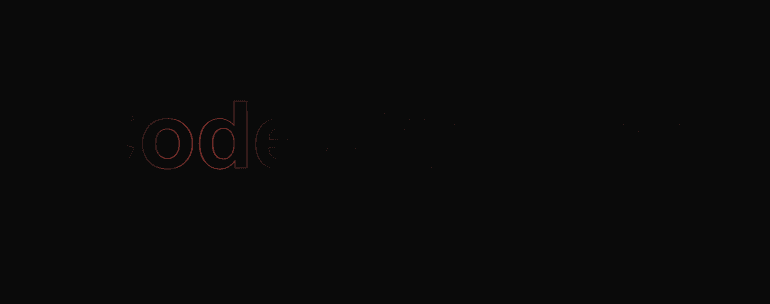
Description
Create a stunning hover-based text reveal effect using pure HTML, CSS, SVG, and JavaScript — no external libraries required. This project displays a glowing multicolor gradient that follows your mouse cursor, revealing the text “CodewithLord” only when hovered. Perfect for modern portfolio websites, animated headers, or creative logo reveals with smooth transitions and interactive gradients.
Html code
The text is rendered inside an SVG for precise control over gradients, strokes, and masking.
The (defs) block defines:
linearGradient → Creates a rainbow-like color transition for the text.
radialGradient → Used as a mask that follows the mouse cursor.
mask → Determines which part of the gradient text is visible based on the cursor position.
There are two (text) elements:
.outline-text → A faint gray outline (visible all the time).
.gradient-text → A colorful gradient text that only appears when hovered.
Css code
The entire screen centers the text with a dark background for contrast.
.outline-text
Gives the background text a soft gray stroke, adding depth even when the gradient is hidden.
.gradient-text
The main interactive layer — hidden by default (opacity: 0) and fades in on hover.
On hover, the gradient text becomes visible
This creates a smooth reveal transition when the user hovers over the SVG.
Javascript Code
🖱️ Mouse Tracking Calculates the cursor’s position relative to the SVG. Moves the radial gradient center (cx, cy) so the reveal mask follows the mouse smoothly.
✨ Hover Events When you hover over the SVG The mask becomes visible and white at the center, revealing the gradient text. The word “CodewithLord” appears as a gray outline by default.
On hover, a vivid multicolor gradient is revealed, following the cursor’s position dynamically.
The effect looks clean, professional, and futuristic — ideal for branding or interactive headers.