Back to Components
Interactive Valentine Letter Animation
Component

Interactive Valentine Letter Animation

CodewithLord
February 9, 2026

A cute and interactive Valentine letter experience with an animated envelope, playful buttons, and a fun yes/no interaction using HTML, CSS, and JavaScript.


❤️ Overview


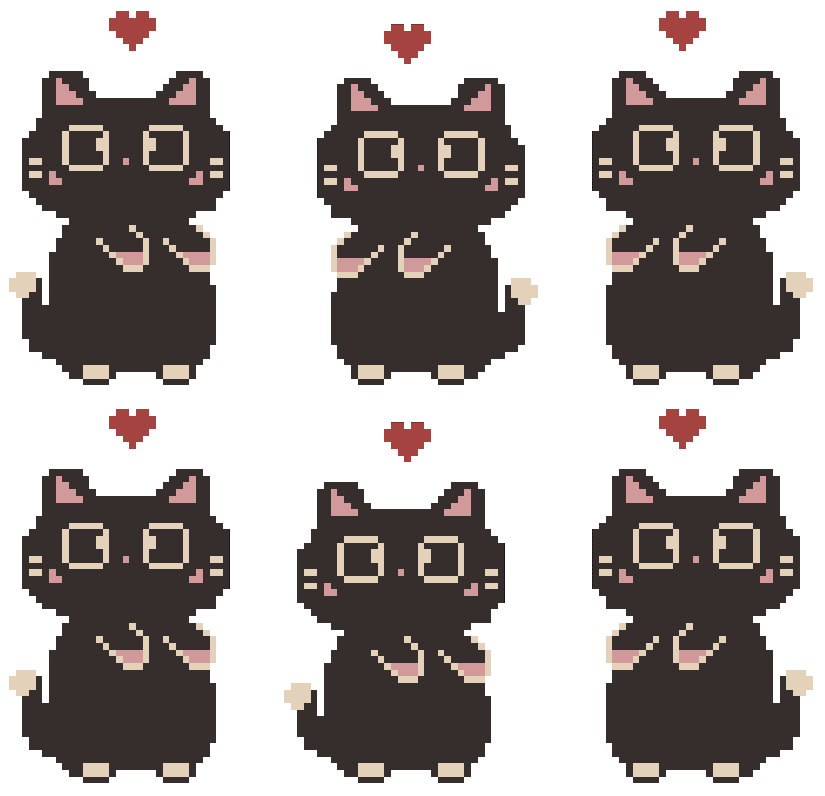
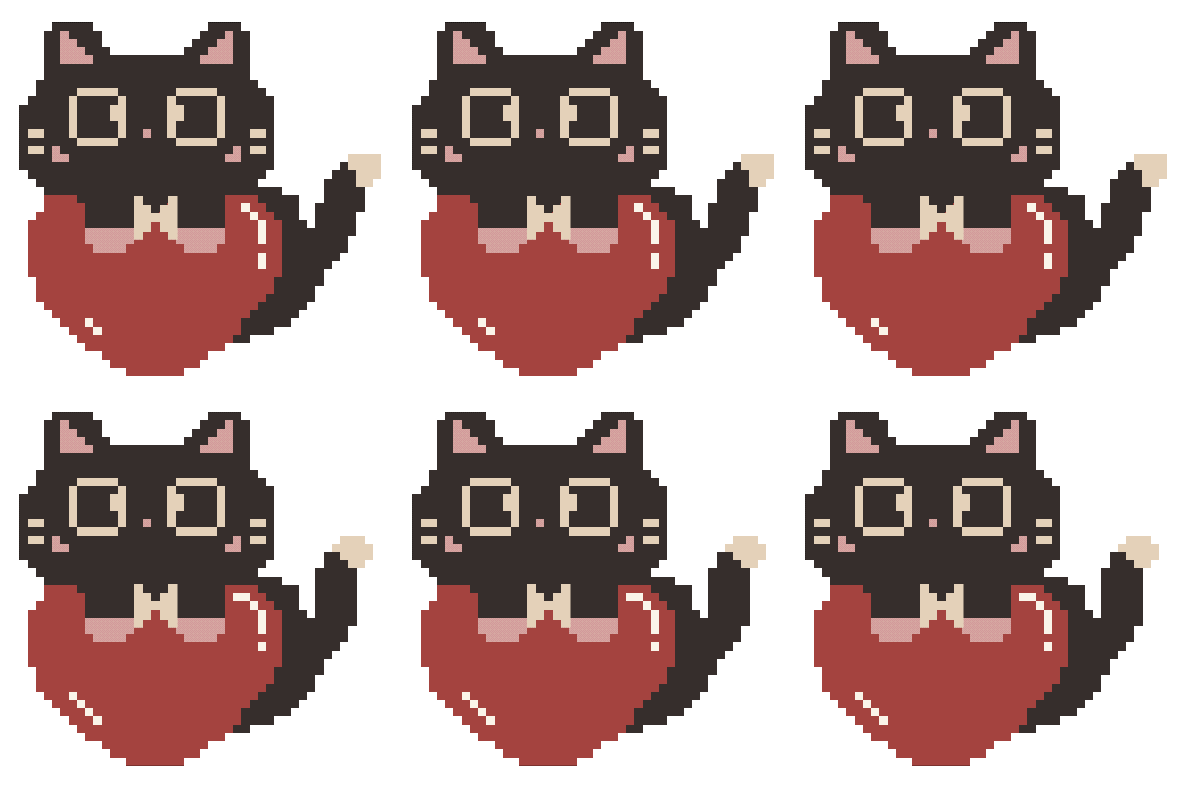
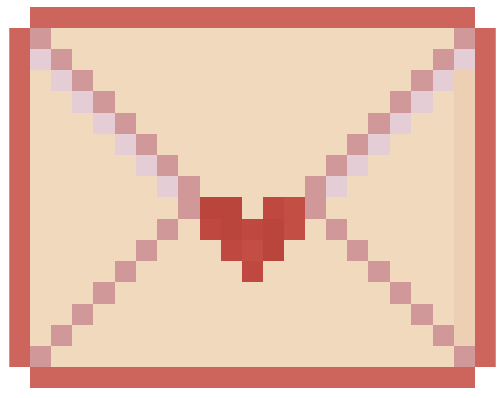
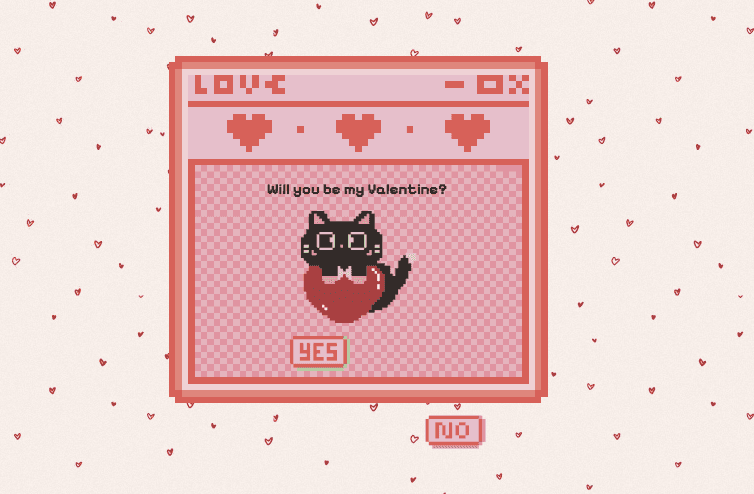
This project is a cute interactive Valentine Letter animation where the user first sees a pulsing envelope. Clicking it opens a letter window with an adorable cat GIF and a playful Yes / No interaction.

The No button avoids the cursor, while clicking Yes reveals a final Valentine message with animations. This type of UI is perfect for:

  • Valentine reels & shorts
  • Fun JavaScript projects
  • Beginner-friendly animation demos
  • Personal surprise websites


📦 Technologies Used


  • HTML5 – Structure and layout
  • CSS3 – Animations, transitions, layout styling
  • JavaScript – Interaction logic and state handling
  • Google Fonts – Pixel-style typography


🧩 Complete Code


HTML


1<!doctype html> 2<html lang="en"> 3 <head> 4 <meta charset="UTF-8" /> 5 <link rel="stylesheet" href="style.css" /> 6 <title>Valentine Letter</title> 7 <meta name="viewport" content="width=device-width, initial-scale=1.0" /> 8 9 <link rel="preconnect" href="https://fonts.googleapis.com" /> 10 <link rel="preconnect" href="https://fonts.gstatic.com" crossorigin /> 11 <link 12 href="https://fonts.googleapis.com/css2?family=Aldrich&family=Pixelify+Sans:wght@400..700&display=swap" 13 rel="stylesheet" 14 /> 15 <title>Document</title> 16 </head> 17 <body> 18 <!-- Envelope Screen --> 19 <div id="envelope-container"> 20 <img src="envelope.png" alt="Envelope" id="envelope" /> 21 <p>♡ Letter for You ♡</p> 22 </div> 23 24 <!-- Letter Screen --> 25 <div id="letter-container"> 26 <div class="letter-window"> 27 <h1 id="letter-title">Will you be my Valentine?</h1> 28 29 <img src="cat_heart.gif" class="cat" id="letter-cat" /> 30 31 <div class="buttons" id="letter-buttons"> 32 <img src="yes.png" class="btn yes-btn" alt="Yes" /> 33 34 <div class="no-wrapper"> 35 <img src="no.png" class="btn no-btn" alt="No" /> 36 </div> 37 </div> 38 39 <p id="final-text" class="final-text" style="display: none"> 40 <strong>Valentine Date:</strong> Meow Restaurant at 7pm. Dress fancy! 41 </p> 42 </div> 43 </div> 44 <script src="script.js"></script> 45 </body> 46</html> 47


CSS


1body { 2 margin: 0; 3 height: 100vh; 4 display: flex; 5 justify-content: center; 6 align-items: center; 7 background-image: url("heart-bg.jpg"); 8 font-family: "Pixelify Sans", sans-serif; 9} 10 11/* Envelope Screen */ 12#envelope-container { 13 text-align: center; 14 cursor:pointer; 15} 16 17@keyframes pulse { 18 0% { 19 transform:scale(1); 20 } 21 50% { 22 transform: scale(1.1); 23 } 24 100% { 25 transform: scale(1); 26 } 27} 28 29#envelope{ 30 width: 200px; 31 animation: pulse 1.5s infinite; 32 cursor: pointer; 33} 34 35#letter-container{ 36 display: none; 37 position:fixed; 38 inset: 0; 39 justify-content: center; 40 align-items: center; 41} 42 43.letter-window{ 44 width: 90vw; 45 max-width: 800px; 46 aspect-ratio: 3/2; 47 padding: 20px 20px 0 20px; 48 display: flex; 49 flex-direction: column; 50 justify-content: center; 51 align-items: center; 52 text-align: center; 53 background-image: url("window.png"); 54 background-size: contain; 55 background-repeat: no-repeat; 56 background-position: center; 57 border-radius: 12px; 58 gap: 1px; 59 padding-top: 180px; 60 61 transform: scale(1.2); 62 opacity: 0; 63 transition: transform 0.6s ease, opacity 0.6s ease; 64} 65 66.letter-window.open { 67 transform: scale(1); 68 opacity: 1; 69} 70 71h1 { 72 font-size: 30px; 73 margin:0; 74} 75 76p { 77 font-size: 40px; 78} 79 80/* Cat */ 81 82.cat { 83 width: 250px; 84 margin: 10px 0; 85 transition: width 0.4s ease; 86} 87 88.letter-window.final .cat { 89 width: 180px; 90} 91 92/* buttons */ 93.buttons { 94 display: flex; 95 justify-content: center; 96 gap: 30px; 97 position: relative; 98} 99 100.no-wrapper{ 101 position:relative; 102} 103 104.btn { 105 width: 120px; 106 cursor: pointer; 107 user-select: none; 108} 109 110.yes-btn, 111.no-btn { 112width: 120px; 113height: auto; 114display: inline-block; 115} 116 117.yes-btn { 118 position: relative; 119 z-index: 2; 120 transform-origin: center center; 121 transition: transform 0.3s ease; 122} 123 124.no-btn { 125 z-index: 1; 126 position: relative; 127 transition: transform 0.15s ease; 128 cursor: default; 129} 130 131.final-text{ 132 font-size: 22px; 133 line-height: 1.4; 134 text-align: center; 135 display: inline-block; 136 padding: 10px 20px; 137 background-color: rgba(255,240,240,0.5); 138 border-radius: 12px; 139}


JavaScript


1// Elements 2const envelope = document.getElementById("envelope-container"); 3const letter = document.getElementById("letter-container"); 4const noBtn = document.querySelector(".no-btn"); 5const yesBtn = document.querySelector(".btn[alt='Yes']"); 6 7const title = document.getElementById("letter-title"); 8const catImg = document.getElementById("letter-cat"); 9const buttons = document.getElementById("letter-buttons"); 10const finalText = document.getElementById("final-text"); 11 12// Click Envelope 13 14envelope.addEventListener("click", () => { 15 envelope.style.display = "none"; 16 letter.style.display = "flex"; 17 18 setTimeout( () => { 19 document.querySelector(".letter-window").classList.add("open"); 20 },50); 21}); 22 23// Logic to move the NO btn 24 25noBtn.addEventListener("mouseover", () => { 26 const min = 200; 27 const max = 200; 28 29 const distance = Math.random() * (max - min) + min; 30 const angle = Math.random() * Math.PI * 2; 31 32 const moveX = Math.cos(angle) * distance; 33 const moveY = Math.sin(angle) * distance; 34 35 noBtn.style.transition = "transform 0.3s ease"; 36 noBtn.style.transform = `translate(${moveX}px, ${moveY}px)`; 37}); 38 39// Logic to make YES btn to grow 40 41// let yesScale = 1; 42 43// yesBtn.style.position = "relative" 44// yesBtn.style.transformOrigin = "center center"; 45// yesBtn.style.transition = "transform 0.3s ease"; 46 47// noBtn.addEventListener("click", () => { 48// yesScale += 2; 49 50// if (yesBtn.style.position !== "fixed") { 51// yesBtn.style.position = "fixed"; 52// yesBtn.style.top = "50%"; 53// yesBtn.style.left = "50%"; 54// yesBtn.style.transform = `translate(-50%, -50%) scale(${yesScale})`; 55// }else{ 56// yesBtn.style.transform = `translate(-50%, -50%) scale(${yesScale})`; 57// } 58// }); 59 60// YES is clicked 61 62yesBtn.addEventListener("click", () => { 63 title.textContent = "Yippeeee!"; 64 65 catImg.src = "cat_dance.gif"; 66 67 document.querySelector(".letter-window").classList.add("final"); 68 69 buttons.style.display = "none"; 70 71 finalText.style.display = "block"; 72}); 73


🧠 How It Works


Envelope Interaction


  • A pulsing animation attracts the user
  • Clicking the envelope reveals the letter with a scale-in animation

No Button Logic


  • The No button moves randomly on hover
  • Uses trigonometry for natural movement

Yes Button Result


  • Updates heading text
  • Changes the GIF
  • Hides buttons
  • Reveals final Valentine message


✨ Features


  • Smooth CSS animations
  • Fun and playful interaction
  • Beginner-friendly JavaScript logic
  • Fully responsive layout
  • Perfect for Valentine surprise pages


🚀 Possible Enhancements


  • Add background music toggle 🎵
  • Confetti animation on YES 🎉
  • Mobile vibration support
  • Save YES state using localStorage


cat dance cat heart envelope heart background No Window Yes

Love this component?

Explore more components and build amazing UIs.

View All Components