Back to Components
GSAP ScrollTrigger Panels – Smooth Pin & Scale Scroll Animation
Component

GSAP ScrollTrigger Panels – Smooth Pin & Scale Scroll Animation

CodewithLord
December 20, 2025

A modern GSAP ScrollTrigger animation where fullscreen panels pin, scale down, and fade smoothly on scroll using pure HTML, CSS, and JavaScript.


🧠 Description


This project demonstrates a smooth scroll-based panel animation using GSAP ScrollTrigger.
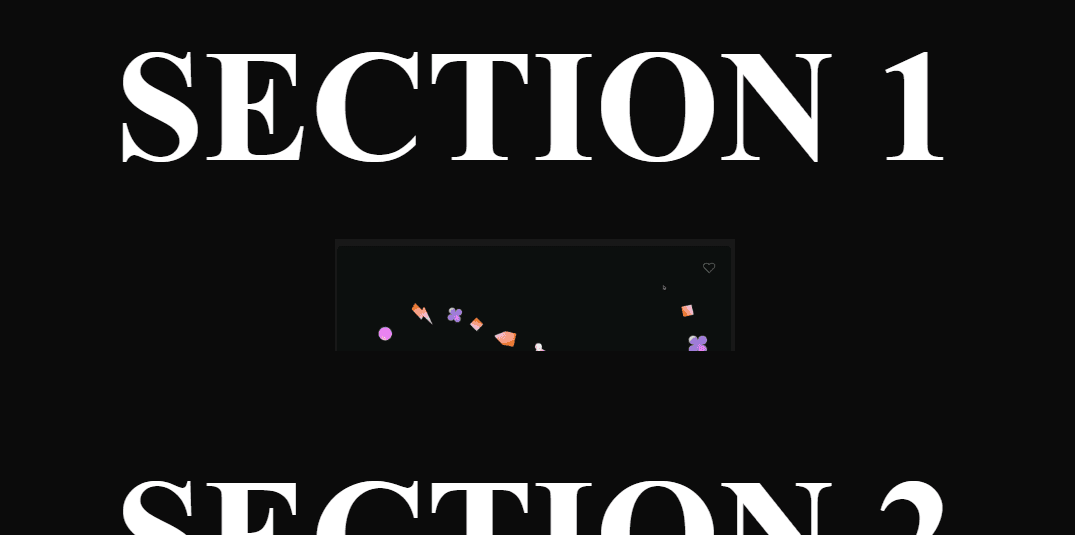
Each fullscreen section pins to the viewport, then scales down and fades out as the user scrolls — creating a clean, cinematic transition between sections.


Why This Animation Feels Premium


  • Fullscreen panel-based layout
  • Scroll-driven scale & opacity animation
  • Smooth pinning without layout jumps
  • Minimal and modern UI
  • GPU-friendly transform animations
  • Perfect for landing pages, portfolios, and storytelling websites

Core Concept


Each .panel:

  • Occupies 100vh
  • Pins itself when reaching the viewport bottom
  • Scales down (1 → 0.6)
  • Fades out (opacity: 1 → 0)
  • Unpins smoothly so the next section can take over

All motion is controlled purely by scroll — no timelines required.


💻 Step 1: HTML Structure


Complete HTML Code


1<!DOCTYPE html> 2<html lang="en"> 3<head> 4 <meta charset="UTF-8" /> 5 <meta name="viewport" content="width=device-width, initial-scale=1.0" /> 6 <title>GSAP Panels</title> 7 8 <!-- CSS --> 9 <link rel="stylesheet" href="style.css" /> 10 11 <!-- GSAP --> 12 <script src="https://unpkg.com/gsap@3/dist/gsap.min.js"></script> 13 <script src="https://unpkg.com/gsap@3/dist/ScrollTrigger.min.js"></script> 14</head> 15 16<body> 17 <div class="slides-wrapper"> 18 <section class="panel"> 19 <h1>Section 1</h1> 20 <img src="https://assets.codepen.io/16327/demo1.png" /> 21 </section> 22 23 <section class="panel"> 24 <h1>Section 2</h1> 25 <img src="https://assets.codepen.io/16327/demo2.png" /> 26 </section> 27 28 <section class="panel"> 29 <h1>Section 3</h1> 30 <img src="https://assets.codepen.io/16327/demo3.png" /> 31 </section> 32 33 <section class="panel"> 34 <h1>Section 4</h1> 35 <img src="https://assets.codepen.io/16327/demo4.png" /> 36 </section> 37 38 <section class="panel"> 39 <h1>Section 5</h1> 40 <img src="https://assets.codepen.io/16327/demo5.png" /> 41 </section> 42 </div> 43 44 <script src="script.js"></script> 45</body> 46</html>

HTML Breakdown


.slides-wrapper holds all scroll sections

Each .panel is a fullscreen slide

Headings + images create visual hierarchy

GSAP & ScrollTrigger loaded via CDN for simplicity


🎨 Step 2: CSS – Layout & Visual Styling


CSS Code


1:root { 2 --white: #ffffff; 3 --black: #0b0b0b; 4} 5 6html, 7body { 8 margin: 0; 9 padding: 0; 10 height: 100%; 11 background: var(--black); 12 overflow-x: hidden; 13} 14 15.slides-wrapper { 16 width: 100%; 17} 18 19.panel { 20 min-height: 100vh; 21 display: flex; 22 flex-direction: column; 23 justify-content: center; 24 align-items: center; 25 background: var(--black); 26 color: var(--white); 27 text-align: center; 28 position: relative; 29 perspective: 1200px; 30} 31 32.panel h1 { 33 font-size: clamp(3rem, 12vw, 10rem); 34 margin: 0; 35 text-transform: uppercase; 36} 37 38.panel img { 39 width: 50%; 40 max-width: 400px; 41 margin-top: 40px; 42}

CSS Breakdown


CSS Variables → Easy theme control

100vh panels → Fullscreen experience

Flexbox centering → Perfect alignment

Clamp() typography → Responsive headings

Perspective → Prepares for future 3D effects


⚙️ Step 3: JavaScript – GSAP ScrollTrigger Logic


JavaScript Code


1gsap.registerPlugin(ScrollTrigger); 2 3const panels = gsap.utils.toArray(".panel"); 4 5panels.forEach((panel) => { 6 gsap.fromTo( 7 panel, 8 { 9 scale: 1, 10 opacity: 1 11 }, 12 { 13 scale: 0.6, 14 opacity: 0, 15 scrollTrigger: { 16 trigger: panel, 17 start: "bottom bottom", 18 end: "bottom top", 19 scrub: true, 20 pin: true, 21 pinSpacing: false 22 } 23 } 24 ); 25});

JavaScript Breakdown


Key Concepts Used:


ScrollTrigger.registerPlugin() → Enables scroll-based animations

gsap.utils.toArray() → Converts NodeList into an array

fromTo() → Explicit start & end animation states

scrub: true → Smooth frame-by-frame scroll sync

pin: true → Locks panel in viewport

pinSpacing: false → Prevents extra space after pin


Scroll Flow Explanation


Panel reaches bottom of viewport

Panel pins instantly

Scale + opacity animate on scroll

Panel releases smoothly

Next panel takes over


Love this component?

Explore more components and build amazing UIs.

View All Components