🧠 Description
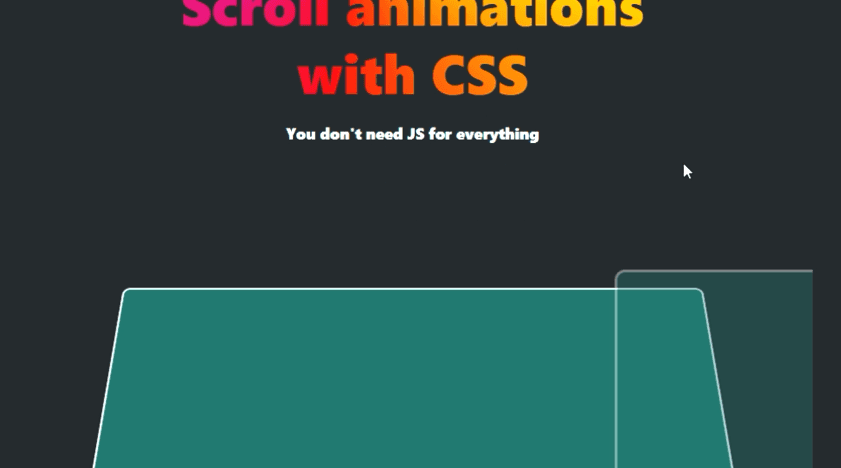
This project demonstrates the power of modern CSS scroll-driven animations—no JavaScript required. Using CSS features like @property, animation-timeline, and clip-path, it creates a smooth, interactive storytelling experience that unfolds as the user scrolls. Each section animates dynamically — cards rotate, shapes morph, and progress indicators fill up — proving that complex motion and interactivity can be achieved purely through CSS. It’s a perfect example of creative front-end design powered entirely by declarative animations.
💻 HTML Code
The HTML sets up the structure of a visually engaging scrolling webpage divided into multiple sections. The top “hero” area introduces the topic with a title and subtitle, encouraging users to scroll. Below, several content sections demonstrate different animation effects — a calendar component, animated cards, morphing images, rotating progress indicators, and review panels. Each section uses semantic HTML tags like (section), (div), (h3), and (p) to define clear content regions. The layout is designed for progressive storytelling, where each scroll reveals new interactive visual behavior. No JavaScript is used; all effects are triggered via CSS scroll-based animation timelines.
CSS Code
The CSS is the heart of this project, combining modern animation features to create motion tied directly to the user’s scroll position. It uses CSS custom properties (variables) such as --card-rotation-progress and --radial-progress, defined with @property for smooth transitions. Scroll-tied animations are implemented through animation-timeline and animation-range, linking animations to specific parts of the viewport. Components like calendars fade and slide into view, cards fan out and rotate dynamically, and images morph through shape transitions using clip-path with custom @keyframes. The radial progress spinner visually fills up as you scroll, demonstrating property-based animation of custom variables. Responsive design principles ensure the layout adjusts beautifully across devices, while CSS container queries adapt the layout based on section width. The entire experience feels fluid, synchronized, and futuristic — all powered solely by CSS.